
Halloween lookbook · Solo portrait or a slow head-turn clip
Midnight Braids Halloween Costume
Quick answer
Midnight Braids is a gothic Halloween look built from long violet braids, silver hair jewellery and a black velvet outfit. The safest AI edit keeps the face, skin tone and body shape, changes only the hair, clothing and moonlit garden, and uses a vertical crop for social video.
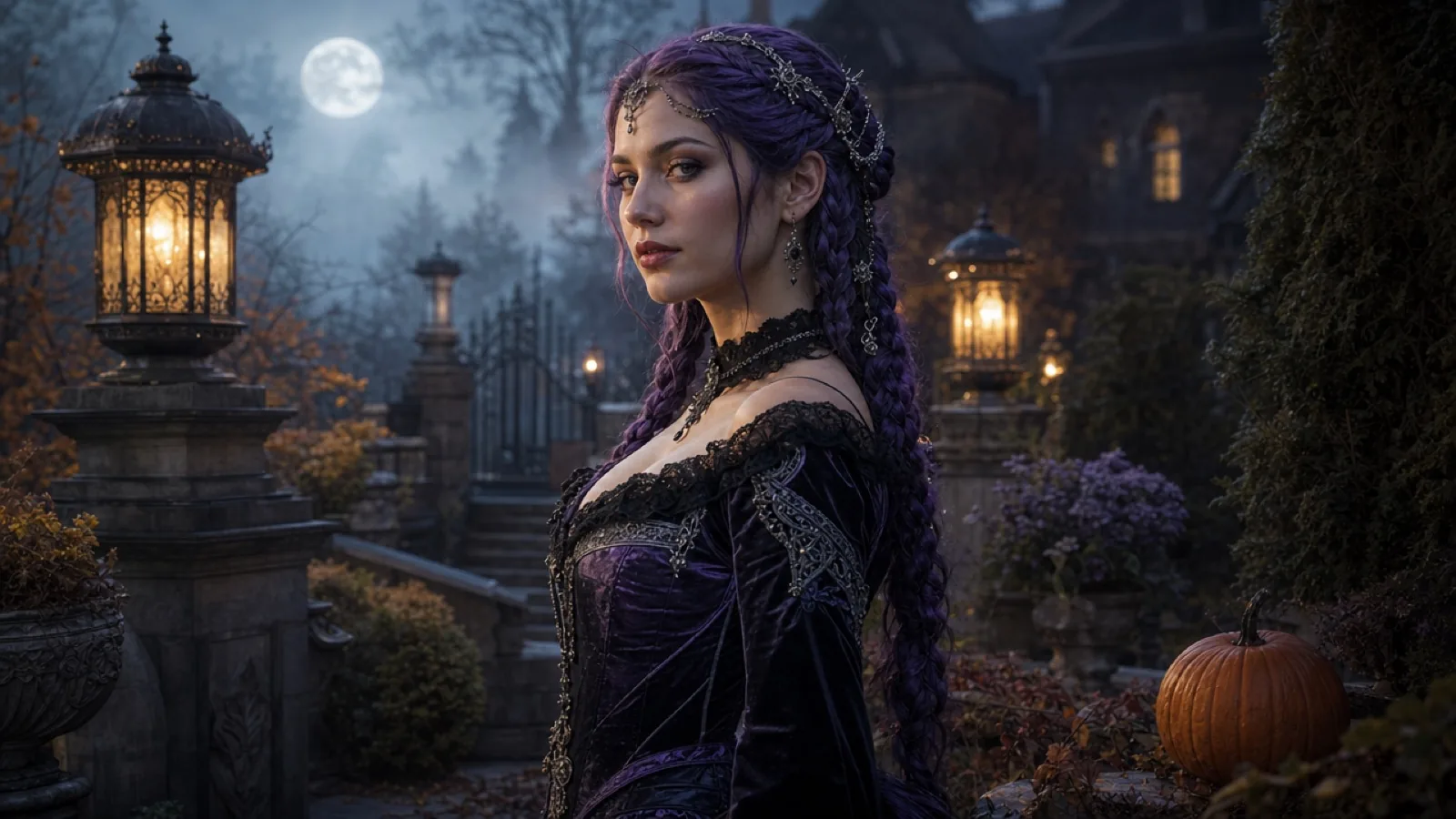
The look works because the silhouette is simple. Long braids give the model a clear shape to draw, while velvet and silver give it two materials to render. There is no mask and no full-body armour, so the face stays recognisable.
Use a photo taken in soft light with the hair pulled back. The model needs to see the hairline, ears and jaw. If the original photo already has a hat, a strong fringe or a hand across the face, the braid edit has less room to work.
Why this look works
Braids read at thumbnail size. On a phone screen the eye follows the vertical lines before it reads the costume details, which makes this one of the stronger looks for a profile grid or a short clip.
The palette is also forgiving. Violet, black and silver stay distinct under warm lantern light, so the generated image does not collapse into one dark shape.
Build the look
- Choose a front-facing photo with the hair tied back and the shoulders visible.
- Paste the image prompt and name the braid colour, length and accessories.
- Keep the background instruction short: moonlit Victorian garden, soft fog, lanterns.
- Generate one still first. Only animate it after the face and braids look right.
The order above is deliberate. Generate one still first, inspect the face and hands, then animate. A five-second clip amplifies any error in the still.
Image prompt
Paste this into an image-edit model that accepts a reference photo. Keep the preservation sentence at the front; it is the part that protects identity.
Use the uploaded photo as the reference. Change the costume and set, not the person.
Use the uploaded photo as the primary reference. Preserve the subject's recognizable facial identity, facial proportions, skin tone, approximate age and natural anatomy. Change the hairstyle into long violet braids decorated with delicate silver hair accessories. Replace the clothing with an elegant black-and-purple velvet outfit with subtle lace and metallic details. Place the subject in a moonlit Victorian garden with soft fog, glowing lanterns and dark autumn foliage. Photorealistic editorial photography, realistic fabric texture, natural skin detail, cinematic soft lighting. Keep the same number of people as the uploaded photo. Avoid altered facial identity, extra limbs, duplicated fingers, distorted anatomy, text, logos and watermarks.Video prompt
Animate the still only after it passes the identity check. Five seconds is enough for one head turn, one fabric movement and one light change.
Use the provided image as the exact visual reference and starting composition. Create a continuous five-second cinematic Halloween portrait. Keep the subject's face, braids, costume and body proportions consistent. The subject slowly turns their head toward the camera with a subtle mysterious expression. A gentle breeze moves loose hair strands and the edge of the velvet sleeve. Soft fog drifts through the moonlit garden. Slow, smooth push-in. Stable anatomy and consistent lighting. Do not change identity, replace the costume, add characters or cut the scene. No text or watermarks.different face, changed skin tone, extra fingers, extra arms, duplicated body, floating hair, plastic skin, harsh flash, text, logo, watermarkModel route
Prices below are launch-week estimates, not quotes. Check the provider's current model card before sending a paid job. Start with the cheapest route that preserves the face; premium models are for the final still, not every test.
| Provider | Image model | Video model | Best at |
|---|---|---|---|
| Kie.ai | GPT Image 2 (image edit) | Kling 2.6 | Face preservation, multi-reference edits, quick iteration |
| WaveSpeed | Seedream 5.0 Flash Edit / Pro Edit | Wan 2.6 Image-to-Video Flash | Low-cost batch edits, fabric and scene replacement |
| Fal | FLUX Kontext Pro | Kling / Wan endpoints | Targeted local edits and clean compositing |
| Replicate | openai/gpt-image-2 or FLUX Kontext | Kling / Wan community models | One API for many models and easy comparison |
| SeeAPI | OpenAI-compatible image route | Kling / Wan route | Fallback capacity when the primary route is busy |
Editing checklist
- Check the hairline and ears before judging the braid colour.
- Keep the original eye colour; a violet iris usually makes the face look synthetic.
- If the braids merge into the dress, raise the rim light instead of adding more jewellery.
- For a couple photo, ask for two distinct people and describe both outfits separately.
Common mistakes
- Asking for a full costume replacement and a new background in one sentence with no preservation clause.
- Using a photo with a hand over the jaw; the model will invent a new jawline.
- Making the braids thicker than the shoulders; the head starts to look oversized.
- Animating before the still is clean; video amplifies a bad face.
FAQ
Do I need real braids for this look?
No. The prompt can add braids in the edit, but a photo with the hair tied back gives the model a cleaner hairline to work from. Real braid extensions help if you also want a practical costume.
Which model is best for keeping my face?
Start with an image-edit model that accepts a reference photo, such as GPT Image 2 through Kie or Replicate, or Seedream Edit through WaveSpeed. Compare two outputs before paying for video.
Can I make a couple version?
Yes, but use a model that accepts multiple reference images and state the exact number of people. Describe the second outfit separately so the model does not merge both people into one costume.
How long should the video be?
Five seconds is enough for a head turn, a small hair movement and a slow push-in. Longer clips add more chances for the face or hands to drift.
Related looks
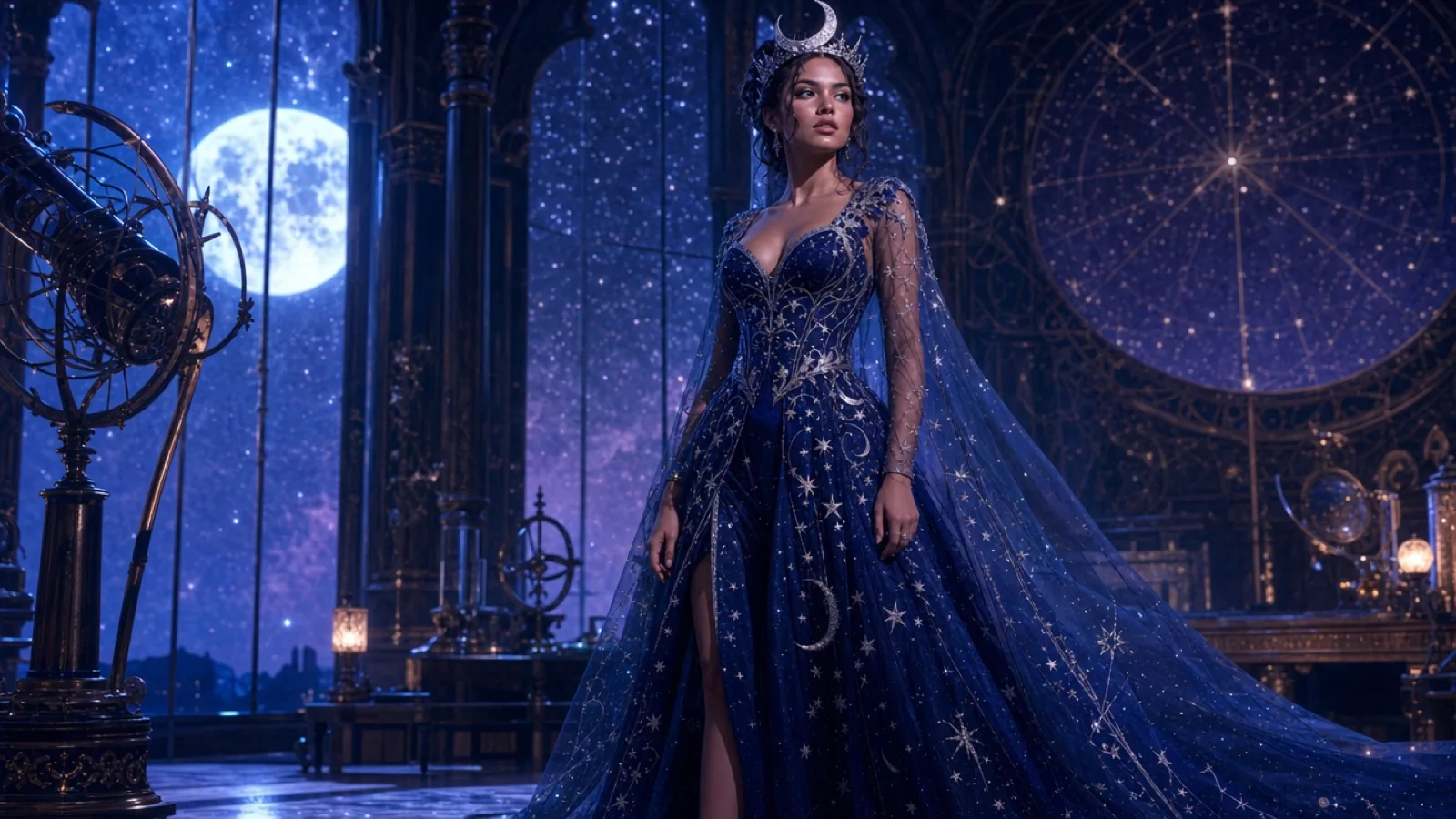 Cosmic Princess
 is a celestial Halloween look: a midnight-blue gown, silver star embroidery and a delicate moon crown. The best AI edit keeps the subject's face and pose, adds glow only to the fabric and background, and avoids turning the skin into plastic.
Read the guide
Cosmic Princess
Cosmic Princess is a celestial Halloween look: a midnight-blue gown, silver star embroidery and a delicate moon crown. The best AI edit keeps the subject's face and pose, adds glow only to the fabric and background, and avoids turning the skin into plastic.
Read the guide
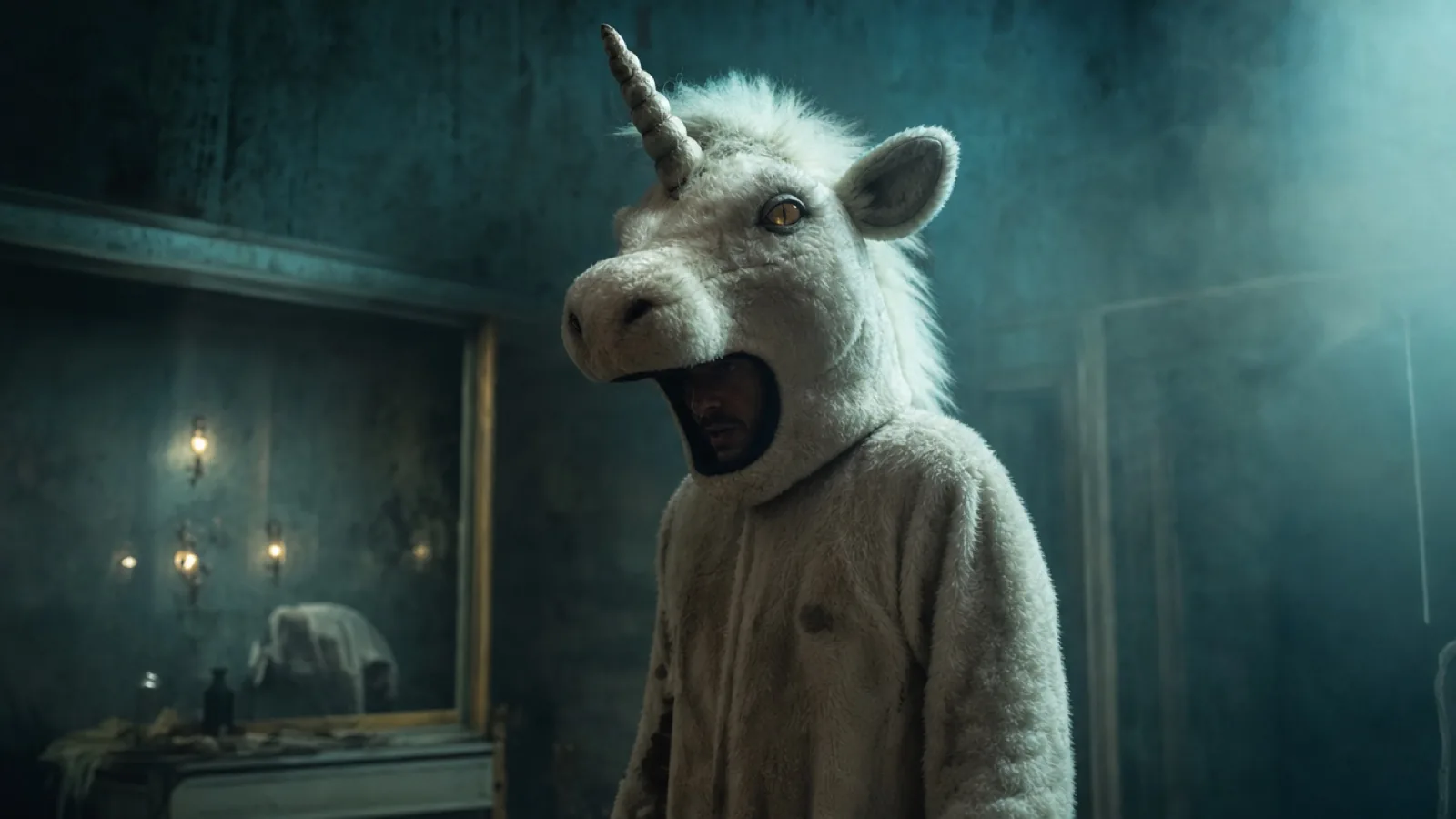 Haunted Unicorn
The haunted unicorn is an original mascot-horror look: a plush white hood, a spiral horn and small amber lenses, photographed in fog. Keep the design generic, show the human face where the costume allows it, and avoid copying any film or game character.
Read the guide
Haunted Unicorn
The haunted unicorn is an original mascot-horror look: a plush white hood, a spiral horn and small amber lenses, photographed in fog. Keep the design generic, show the human face where the costume allows it, and avoid copying any film or game character.
Read the guide
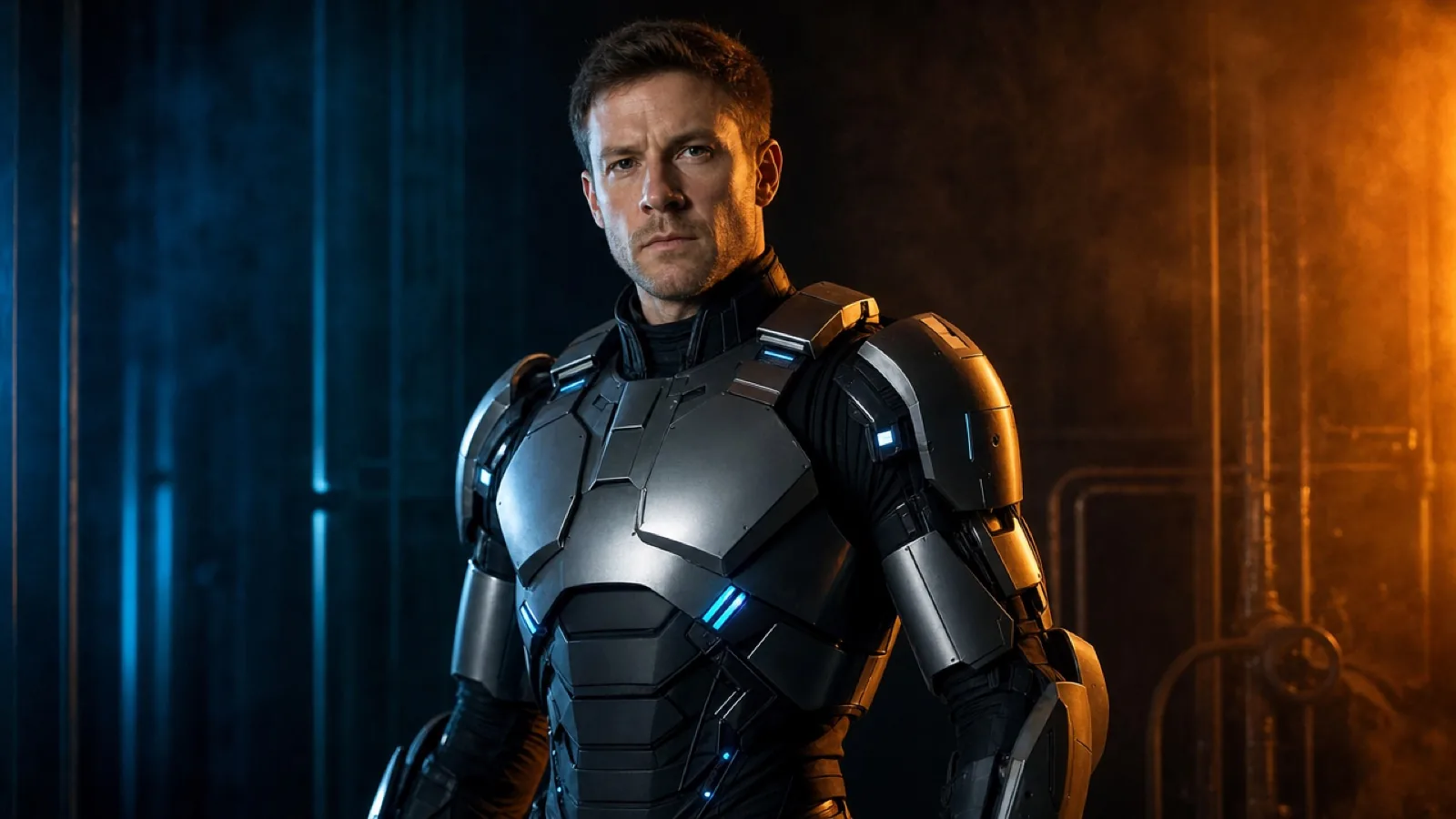 Wearable Robot
A wearable robot costume uses metallic panels, articulated shoulder pieces and small blue LEDs, while the human face stays visible. The goal is a believable costume, not a new mechanical character; the prompt must say that the face is not replaced.
Read the guide
Wearable Robot
A wearable robot costume uses metallic panels, articulated shoulder pieces and small blue LEDs, while the human face stays visible. The goal is a believable costume, not a new mechanical character; the prompt must say that the face is not replaced.
Read the guide
From the BFE archive
This lookbook is a seasonal companion to the archive, not a replacement for it. If you came for the game, the standalone Halloween Special is playable in the browser, and the final Alpha 1.5 build is the version most guides describe.
Image and prompt disclosure
Preview images on this page are original AI illustrations made for the guide. They are not game screenshots and not results from a reader's upload. Prompts are starting recipes; model behaviour, price and output quality vary by provider and date.